 |
| Site Admin |
Joined: Wed Sep 28, 2011 11:00 am
Posts: 354
|
|
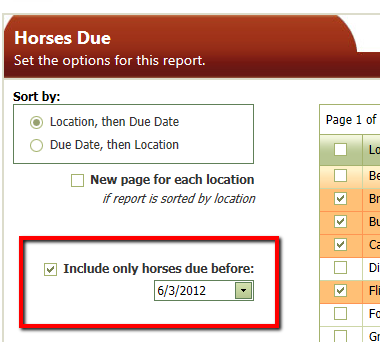
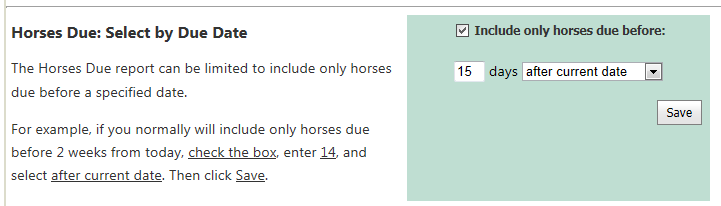
The Horses Due report now contains an option that allows you to include only those horses that are due before a specified date.
This allows you to exclude horses that have been recently serviced and focus on those that are due soon.
The screen shots below display how to use this feature in two ways:
1. In the dialog box for the Horses Due report, you can adjust this setting right before you run the report.
2. If you will use this feature most of the time, you can set your default preferences to include this by clicking the Settings menu and then clicking Horses Due Report.
| Attachments: |
HorsesDue_DueDateFilter.png [ 22.66 KiB | Viewed 14485 times ]
|
HorsesDueSettings_DueDate.png [ 20.03 KiB | Viewed 14485 times ]
|
_________________
Julie Schwalm
iForgeAhead
|
|


